

Ask your AI about your business
Connect Claude or ChatGPT to eBillStack. Then ask about your hours, invoices and pay the way you’d ask your bookkeeper.
Which invoices are overdue?
Two, USD 4,250.00 in all:
- Ridgeline Climbing: USD 3,000.00, 18 days late
- Example Clinic: USD 1,250.00, 32 days late
How many hours did we log for Ridgeline this month?
62.5 hours on Ridgeline website, all approved: 41 from Jane Doe and 21.5 from John Doe.
Things you can ask
Say it the way you’d say it to a colleague.
“Which invoices are overdue?”
Lists unpaid invoices past their due date, by client.
“How many hours did we log for Ridgeline this month?”
Adds up the hours by person and project.
“Draft an invoice for last week’s approved time.”
Makes a draft from the unbilled hours. Nothing is numbered or sent until it’s issued.
“What do I owe each person for this pay period?”
Works out each person’s pay from their hours and rates, without saving anything.
“Which projects made money this month?”
Compares what you billed with what the work cost.
“Ridgeline paid $3,000. Record it.”
Records the payment against their open invoice. Nothing is charged.
You stay in charge
It sees what you see
Your assistant works with your role. If you can’t see pay rates, neither can it.
Invoices start as drafts
Nothing is numbered or sent until the invoice is issued. Issued invoices are corrected with a credit note.
It can’t move money
Approving a pay run pays nobody, and recording a payment charges nobody. You pay people the way you do now.
You choose what it can do
When you connect, you pick the workspace and give it full access or read only. Disconnect it any time in Settings → Access tokens.
Add eBillStack to your assistant
In Claude, open Settings, then Connectors, and add a custom connector with this address. Other assistants have a similar setting.
https://ebillstack.app/mcpClick Connect
Sign in to eBillStack, pick the workspace, choose full access or read only, and click Allow.
Ask
Ask about your hours, invoices and pay the way you’d ask a colleague.
Where it works
Sign in with one click:
- Claude
- ChatGPT
- Claude Code
Claude works on the web, desktop and phone. In ChatGPT, turn on developer mode first. Codex, Cursor, VS Code and your own scripts can connect with an access token from Settings, then Access tokens.
It all shows up in eBillStack
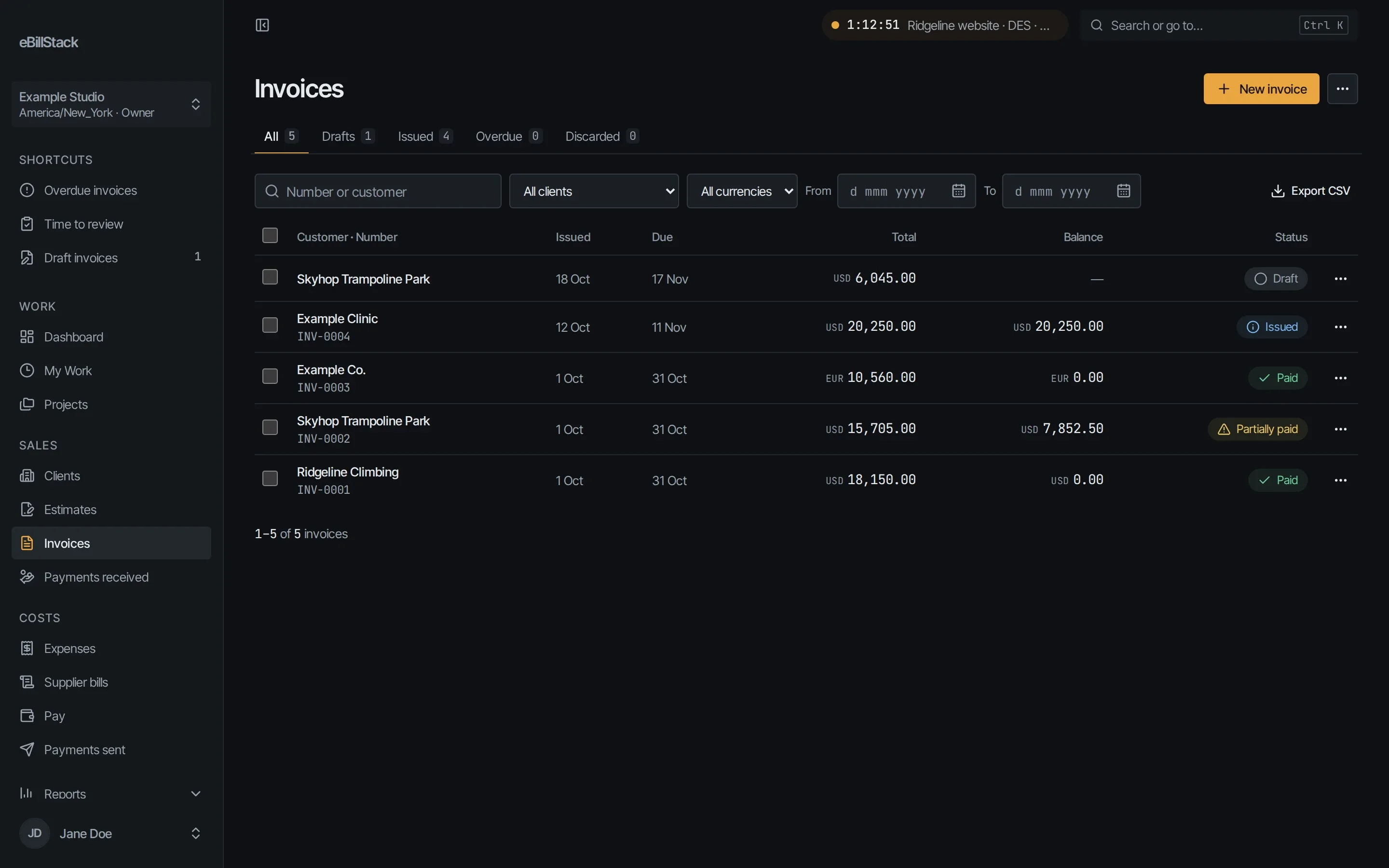
What your assistant drafts, issues or records sits in your account with everything else, where you can check it.
Start free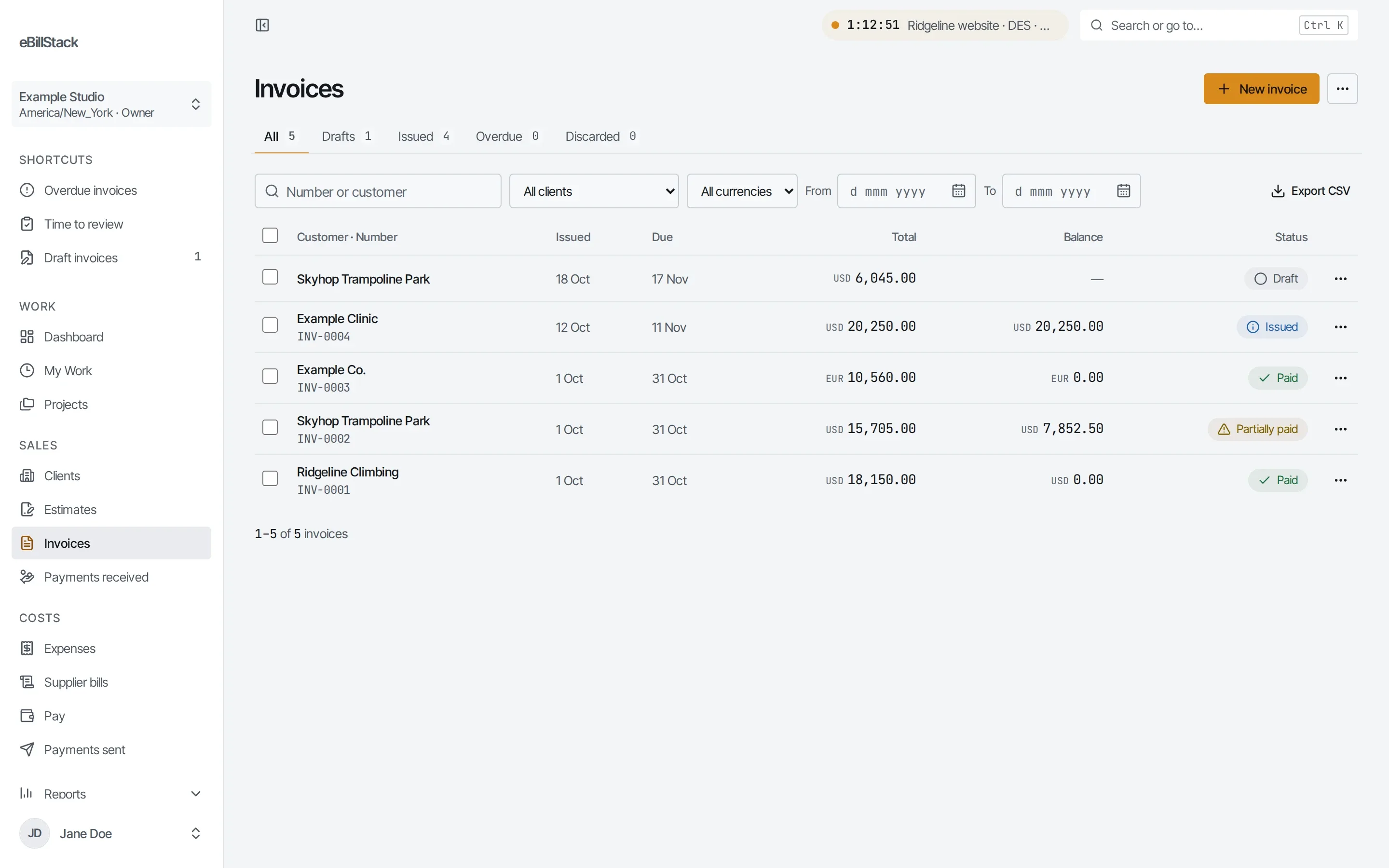
Questions
Do I need to be technical?
No. You paste one web address into your assistant’s settings, click Connect and sign in to eBillStack. You only do it once.
Read the MCP setup guideDoes it work with ChatGPT?
Yes. Turn on developer mode in ChatGPT’s settings, add a connector with the address https://ebillstack.app/mcp, and click Connect.
Can it see everything in my account?
It sees what you can see, and nothing more. If a team member connects their own assistant, it sees only what they can see.
Can it pay my people?
No. eBillStack works out what each person is owed and makes their statements. You pay them yourself, the way you do now, and record it.
How pay worksCan it email invoices to clients?
Yes, if you allow it. It can email an issued invoice to one of the client’s contacts, just like Send in the app.
Does it cost extra?
No. It comes with every plan, Free included. Free covers 1 person and 10 active clients.
Compare plansTry it with your own data
Make a free account, connect your assistant and ask. Free covers 1 person and 10 active clients.