

Pay from the hours people log
Pay comes from the hours your people log, at their own rates.
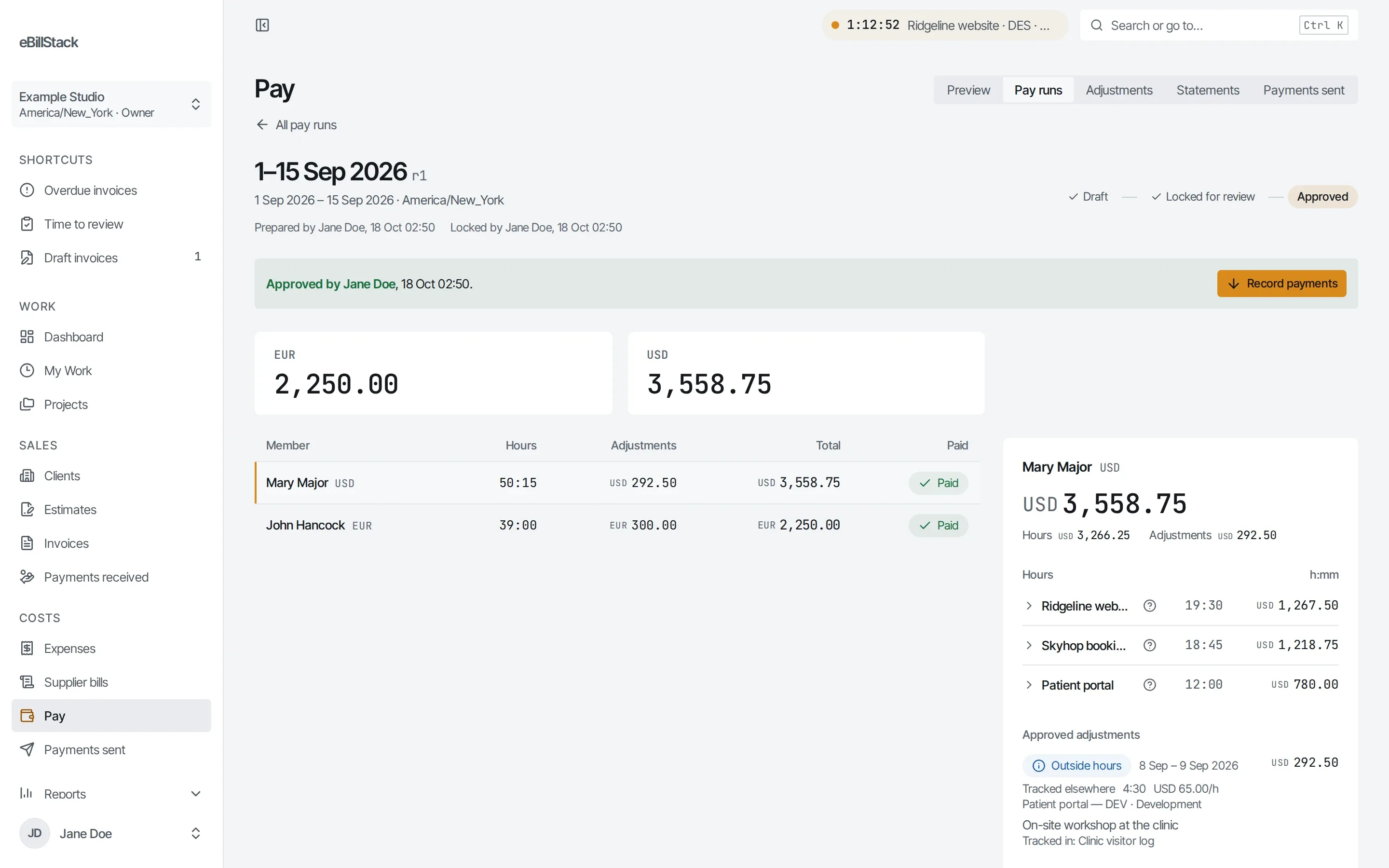
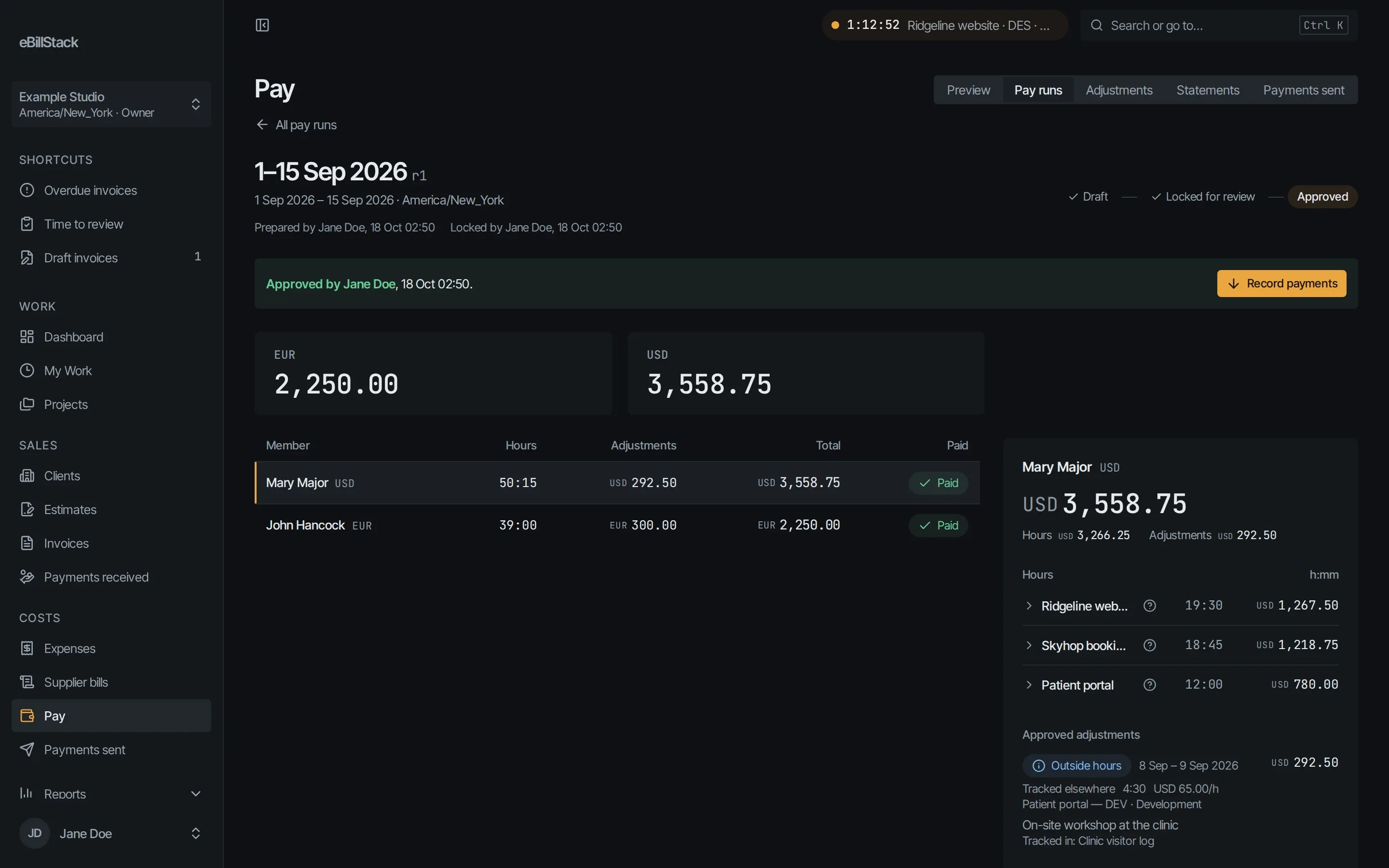
One pay run for every project
A pay run covers all your projects for the dates you choose. It groups lines by person and currency. Each line shows the hours and the rate behind it.
On your schedule
Pick how often you pay: as needed, weekly from any weekday, every two weeks, twice a month or monthly. The app suggests the next pay period, and you can still pick any dates.
Three steps
- Prepare the pay run.
- Lock it for review.
- Approve it.
Approved amounts are locked. Later rate edits don’t change them.
Rates
- Set dated rates for a person.
- Set dated rates for a person on one project.
- Set a minimum pay rate on a project’s tasks. Pay is the higher of the usual rate and the minimum.
Hours tracked elsewhere
Add hours someone tracked in another tool as a pay adjustment. They’re priced from the person’s rate, never become time entries, and show on the pay run and the statement.
Approval by someone else
You can require a different person to approve pay.
Statements
Each person gets a statement as a PDF and as a CSV.
Recording payment
Record what you paid outside the app, including partial payments.
What the app doesn’t do
The app never moves money. It doesn’t send bank transfers or run payroll, and it doesn’t withhold tax.
Send your next invoice from here
Free for 1 person and up to 10 active clients. No card needed.